DIY system kit
Build your Sales Follow-Up AI Employee.
Built for teams with warm leads, old buyers, or prospects who need structured follow-up without manual chasing.
This page shows the job, the evidence, and the next step. Buy the DIY kit or ask us to set it up.

Matched job
Sales Follow-Up AI Employee
Job it does
Lead nurture, reply capture, CRM logging, and next-step reminders
Demo Package Listed
Ready for customers to inspect and buy.
This product has a working demo or recorded workflow asset, a customer-ready delivery package, and checkout enabled after review.
25
Files
5
PDFs
0
DOCX
0
XLSX
- Message sequence screenshot
- Consent and opt-out checklist
- CRM log screenshot
- Human approval test case
Safety target
Target score before production: 85+ with consent, opt-out, credential, and webhook handling reviewed.
Lead recovery agent
See cold leads ranked, drafted, and moved toward a reply.
The demo shows the follow-up agent reviewing stale leads, picking the next best message, and keeping sends approval-gated until the buyer connects their sender rules.
The money path
Watch the working agent first. If you want the files, buy the DIY kit for $297. If you want the result, have OpenClaw install the working agent around your real tools, routes, and approval rules.
Live voice demo — browser only, no phone
Talk to the AI agent right now in your browser. Click, allow mic access, and hear what your customers would experience.
Try Live Voice DemoMatched evidence video
Chase sales follow-up demo
Shows the follow-up agent recovering a stalled lead without turning on live sends by default.
Want this working in your business instead of another file pack? Use the install button and we build the agent path for you.
Agent for this kit
Sales Follow-Up Recovery Agent
We install the lead source, reply routing, CRM fields, opt-out language, sender rules, and recovery dashboard.
Step 1
Lead goes quiet
The agent reviews buyers, prospects, or old estimates that have not replied.
Step 2
Follow-up gets drafted
Messages are ranked by intent and prepared for the approved channel.
Step 3
Revenue gets unstuck
The owner sees who needs a reply, who needs a call, and who is no longer worth chasing.
Fit check
Do not buy a random kit.See the job first.
This kit helps you build the Sales Follow-Up + Messaging Kit. Want us to set it up? Use the setup path. Want to build it yourself? Use the kit.
Sales Follow-Up AI Employee
Lead nurture, reply capture, CRM logging, and next-step reminders
What it does
- Starts consent-aware follow-up sequences after a lead action
- Captures replies and separates hot responses from low-intent replies
- Logs the conversation and next action in the handoff system
- Keeps reminders moving until a human should step in
Evidence to check
- Follow-up sequence map
- Reply handling example
- CRM logging example
- Fleet Shield safety checklist
Fit questions
The problem
You do not need more tools.You need one clear fix.
The solution
A copy-paste follow-up message playbook and 21-day contact sequence that re-engages cold inbound leads and books 15-25% into new sales appointments within 30 days
Clear result
A copy-paste follow-up message playbook and 21-day contact sequence that re-engages cold inbound leads and books 15-25% into new sales appointments within 30 days
Setup time
45-120 minutes for self-serve; 2-5 business days with premium setup.
Exact output
INPUT: Lead: Sarah Chen, VP Engineering @ TechFlow Context: Met at SaaStr 3 months ago; asked for pricing; went dark after 2 follow-ups Product: Cloud cost optimization platform Channel: Email + SMS OUTPUT: --- EMAIL --- Subject: SaaStr follow-up—one number before I close the loop Hi Sarah, Totally get that engineering roadmaps change quarterly. Before I close your file, wanted to share one relevant number: teams like TechFlow usually shave 30% off AWS/Azure bills in the first quarter with zero migration work. If that’s worth a 6-minute call, grab a slot here: [link]. If not, just reply “pass” and I’ll close the loop. Cheers, Alex --- SMS --- Hi Sarah, Alex from [Company]. Saw TechFlow raised a Series B—congrats. Still curious if cloud cost optimization is on your 2024 roadmap? Reply YES for a 1-pager, PASS to close the loop.
Package contents
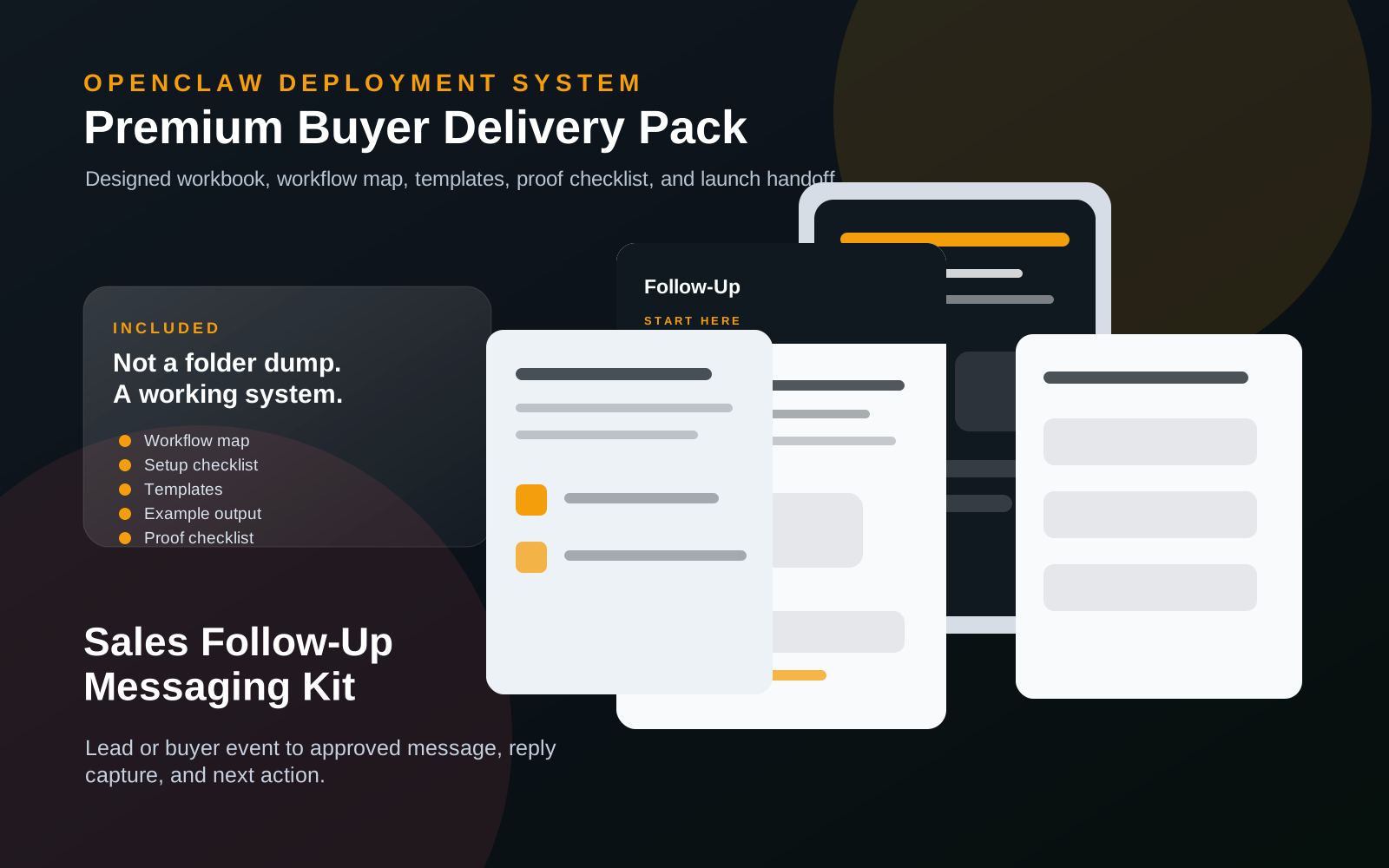
Everything inside the kit.
No messy dump. You get clear files, a start guide, the builder-agent prompt, and the next steps.
sales-follow-up-messaging-kit.zip
25 files · 5 PDFs · 0 DOCX · 0 XLSX
Open first
00-START-HERE.md
Start Here
Open this first. It shows what to do now, what to do next, what prompt to give your builder agent, and what done looks like.
Agent-build prompt included
Paste 09-AGENT-BUILD-PROMPT.md into your AI builder so it asks for the right business inputs, builds in no-send mode, saves evidence, and blocks live sends or writes until approved.
No clutter guarantee
No internal notes or mystery files. Each file is labeled and ready to use.
Marketplace-ready images
9 approved images are included for your listing, pitch deck, or resale page.
What runs
What runs inside this kit.
These are the ingredients. The kit is the recipe that connects them into one workflow.
Setup steps
From inspection to launch.
Import the 14-day sequence template into your CRM to instantly build the automated follow-up backbone
Upload your cold lead list and tag each contact for the multi-channel email, text, and voicemail touchpoints
Swap in your service business details, offer, and sender name across the pre-written message scripts
Toggle the automation live to launch the 14-day revival sequence across every channel simultaneously
Watch dormant leads reply and book calls as the system systematically re-engages prospects who ghosted after first contact
Document preview
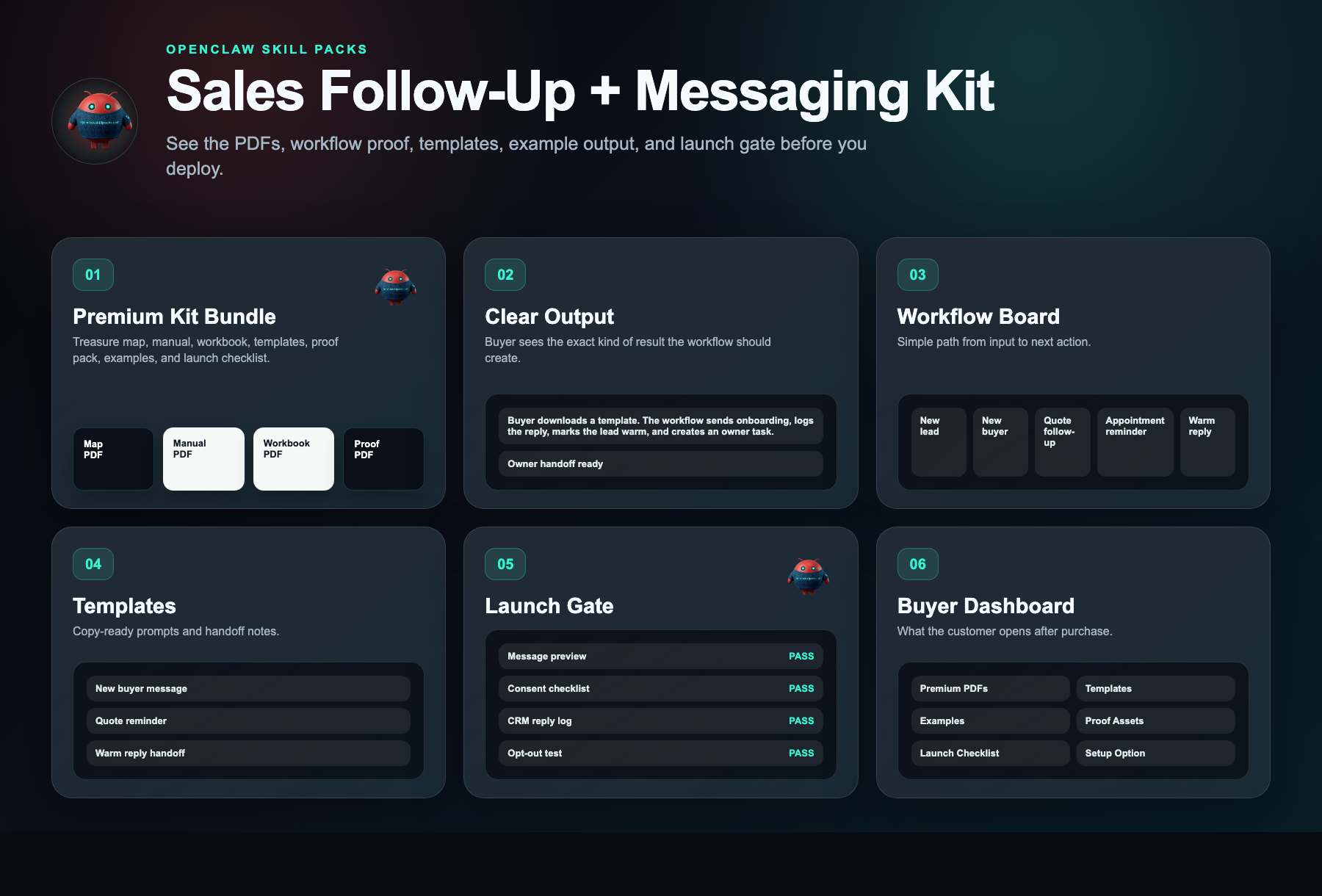
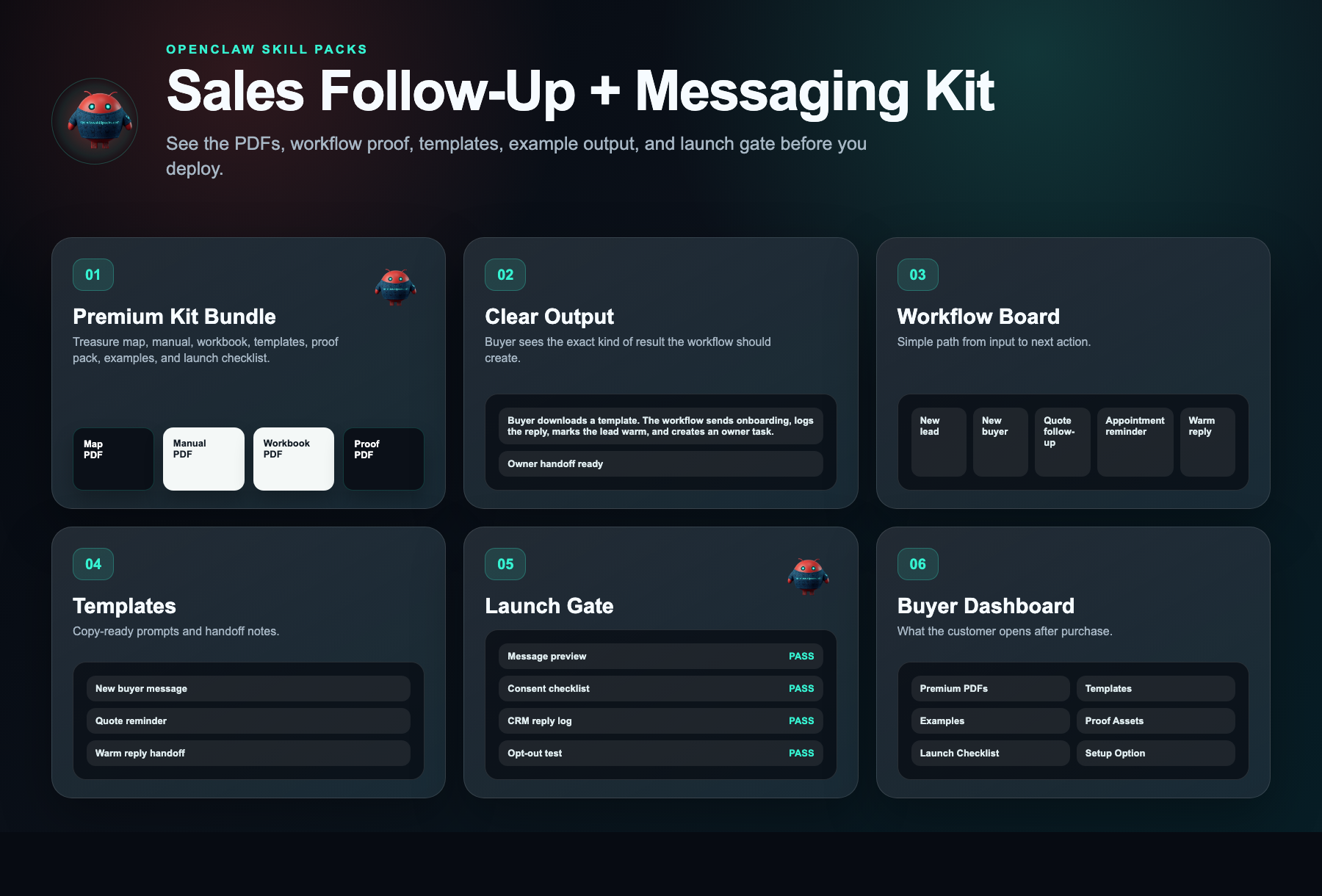
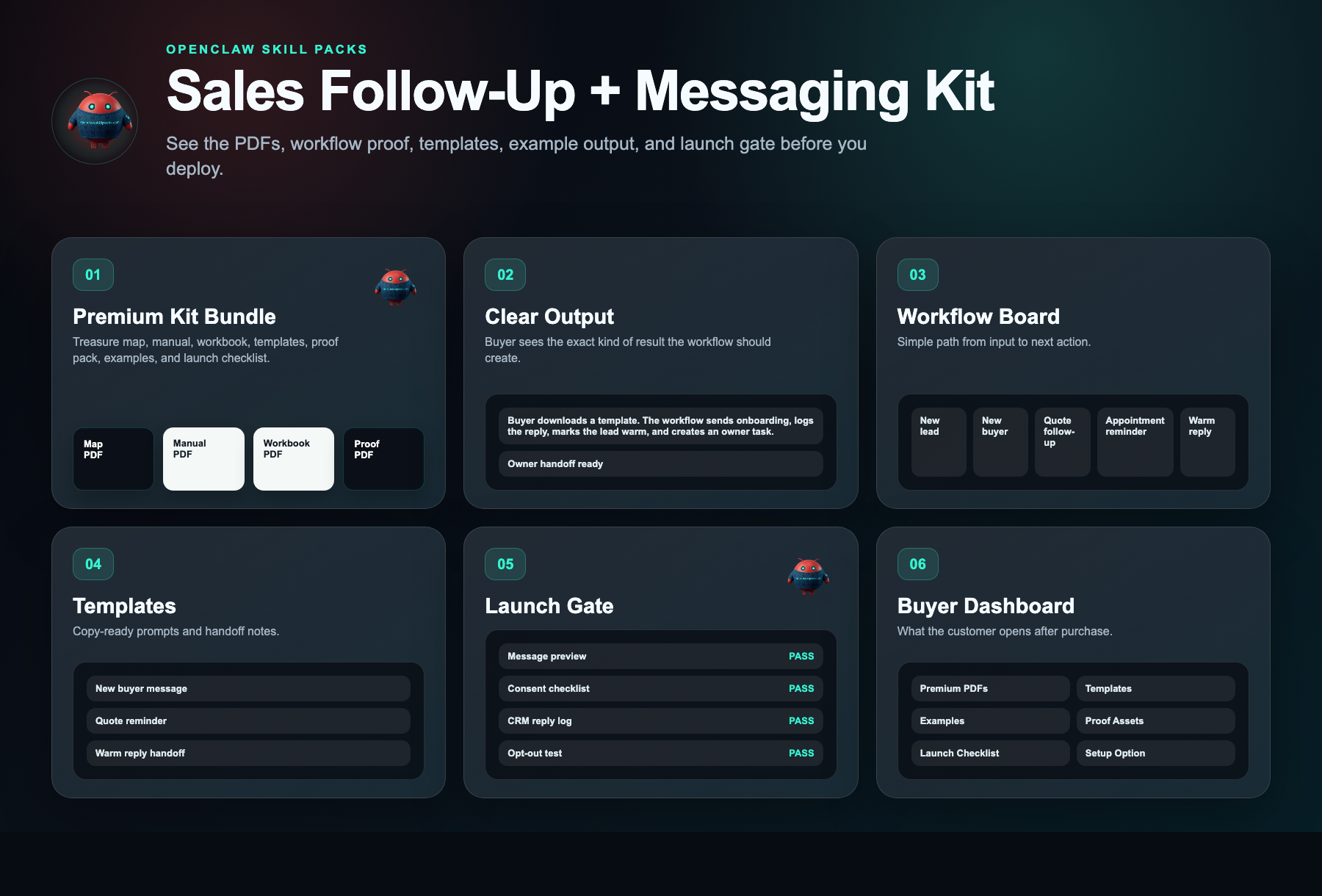
See what is inside.
Every kit helps you start with a clear workflow, simple setup steps, ready-to-use messages, example outputs, and a delivery dashboard.
Evidence status
Watch before you buy.
Watch what you get, how the follow-up system works, and how to start building it yourself.
Evidence walkthrough
Sales follow-up and outreach workflow demo
Safety layer
Fleet Shield verifies before you deploy.
Every skill in this kit has been reviewed for credential access, external calls, data handling, and permission scope. You see the safety notes before you install.
Who this is for
- Home service contractors (HVAC, plumbing, roofing, remodeling) who get 10+ inbound quote requests per month but close less than 40% because follow-up stops after the first call
- B2B service agency owners (marketing, consulting, IT) with 200+ stalled CRM contacts from inbound leads who ghosted after the proposal was sent
- Local service owner-operators (landscaping, cleaning, pest control) who write their own estimates and lose track of prospects within 48 hours of sending a quote
Not the right fit
- E-commerce or product companies looking for automated abandoned-cart email flows instead of 1:1 conversational sales follow-up
- Businesses with no existing inbound leads or CRM who need a lead generation system before they can deploy any follow-up sequence
Free building blocks
Inspect the ingredients before you buy the recipe.
These skills remain free to inspect. The paid kit shows how to connect, configure, test, and launch them as one working workflow.
WhatsApp AI Chatbot
A / 90Handles routine replies and routes warm opportunities to the next action.
Setup requirement
Consent source, approved templates, opt-out copy, CRM fields, and fallback owner.
Evidence asset needed
WhatsApp thread, opt-out handling, and CRM reply log.
OpenClaw WhatsApp Agent
Source-visible proof pathTriggers follow-up after a lead, quote, sale, or appointment event.
Setup requirement
Webhook event, message template, CRM destination, and escalation rule.
Evidence asset needed
Webhook test result and message log.
OpenClaw Sales Agent
Source-visible proof pathCategorizes replies, prompts the next sales action, and routes warm leads.
Setup requirement
Sales stages, reply labels, CRM destination, and owner assignment.
Evidence asset needed
CRM activity log with reply status and next action.
Free vs paid
Skills are free. The kit is paid.
Free in OpenClaw
- Skill scorecards
- Findings summaries
- Source visibility
- Fleet Shield notes
- Inspect building blocks
$297 DIY Kit
- 30-minute start guide
- Setup manual
- Fill-in workbook
- Scripts and templates
- Evidence and resale guide
- Workflow map
Premium Setup $497+
- Help setting it up
- Setup for your business
- Connect the handoff
- Help with test runs
- Launch support
Delivery checklist
What happens after purchase
You receive the self-serve deployment kit.
The free skills are still free. The kit is the implementation path that turns them into a working business workflow.
- 1.30-minute start guide PDF
- 2.Setup manual PDF
- 3.Workbook PDF
- 4.Scripts and templates PDF
- 5.Evidence and resale PDF
- 6.Automation files
Need the right fit first?
Tell us what you want AI to fix. We’ll show you the AI agent that can help.
Takes 30 seconds. No spam.
FAQ
What am I paying for?
You pay for the system that helps you put the free skill notes to work. The kit gives you the setup order, workflow map, ready-to-use messages, examples, tests, and launch checklist for a copy-paste follow-up message playbook and 21-day contact sequence that re-engages cold inbound leads and books 15-25% into new sales appointments within 30 days.
Are the skills free?
Yes. Skill notes are free to view. The paid kit shows how to use them together for one business job.
Why is the kit $297 if the skills are free?
Because the value is the working path: what to use, what order to use it in, what messages to copy, where the lead goes, and how to test it.
Can I build it myself using only the free skills?
Yes, if you want to work it out yourself. The kit is for buyers who want the short path: files, examples, tests, and launch steps in one place.
What if I want help installing it?
Premium setup starts at $497. That is for buyers who want help configuring the workflow around their business, handoff destination, and launch requirements.
Does this actually work or is it just another template pack?
Yes. The sequences are built from campaigns that recovered stalled deals for real service businesses. You plug them in and they run automatically, bringing leads back without extra work.
Will this work for my specific service business?
If you sell services and leads go silent after one call or form fill, this works. The messages are built for common service scenarios and easy to adjust for your offer.
What exactly do I get for $297?
You get a 14-day email, text, and voicemail sequence with ready-to-use scripts and setup instructions. Import it, customize in minutes, and let it revive leads while you work.